Upload images
Add photos for your next page, gallery, or client project, from your computer or phone.
For WordPress freelancers and small studios
Optimize images, generate AI metadata, then save your files or sync them to WordPress. Prepare a whole batch instead of repeating exports, metadata entry, and uploads for every image.
25 source images. No credit card required.
How it works
Set your output rules once for the whole batch.
Add photos for your next page, gallery, or client project, from your computer or phone.
Choose WebP, JPG, or PNG, quality, and responsive sizes. Generate alt text, titles, captions, and descriptions in your chosen language.
Download the finished files or send them to your WordPress Media Library with metadata attached.
Try optimization, AI metadata, and WordPress sync with your own images.
Start free trialProduct demo
Upload a batch, set format and widths, generate metadata once per source image, then sync the finished variants to WordPress.
Real results
A real client project, from source photos to WordPress galleries. See the workflow and output, with private project details removed.
Explore the case study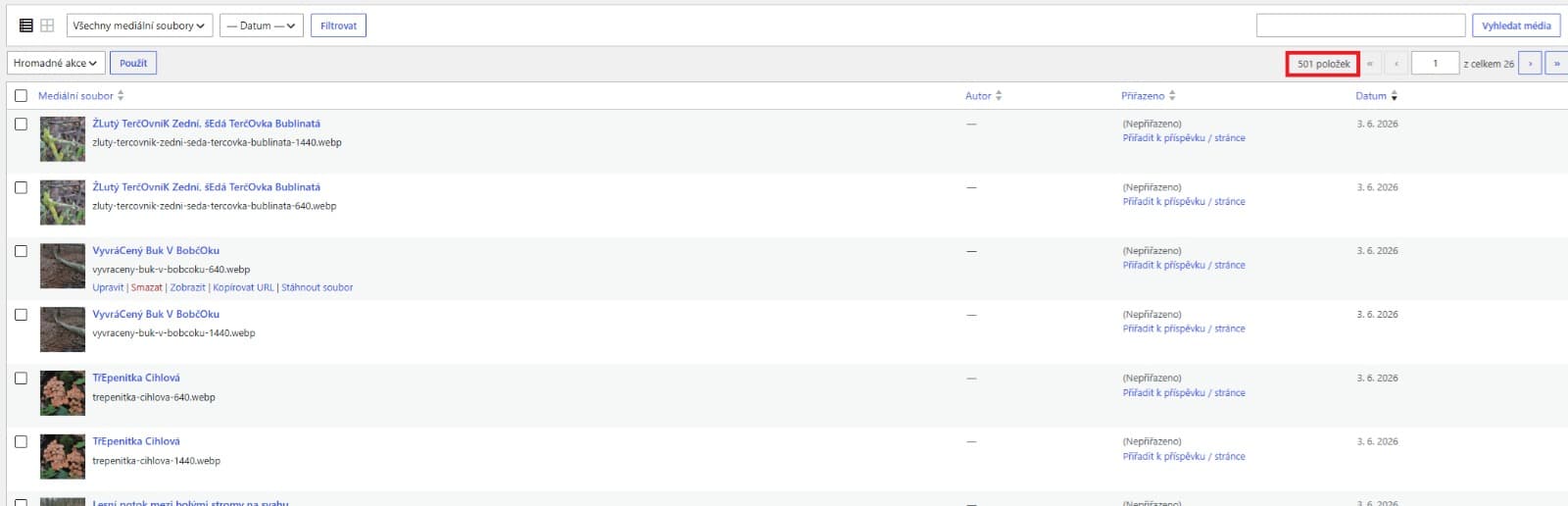
Pricing
Paid plans add monthly image volume and connected sites. Compare the current allowances below.
Loading current subscription...
FAQ
Altloom is a web app. Install the WordPress sync plugin when you want to connect a site and send finished images to its Media Library using site-specific license and sync credentials.
Yes. Download your optimized images and uploaded-media.json with their metadata. Connecting a WordPress site is optional.
Yes. Open Altloom in your phone’s browser to prepare photos, generate metadata, and sync to a connected WordPress site.
25 source images, one connected WordPress site, AI SEO metadata, optimization, responsive variants, and WordPress sync. No credit card required.
Your workspace and history remain available. Upgrade to a paid plan in the same workspace to process more images.
Try the workflow
No credit card required. Upgrade when the workflow fits your projects.
Free trial workspace
Loading workspace access...